


Get Support
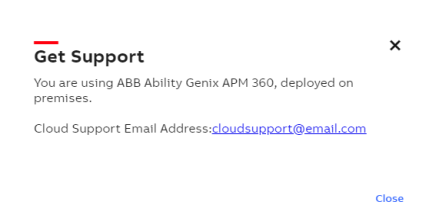
Get Support option helps you to directly contact the customer support over an email for any assistance to resolve issues and raise queries regarding the application.
To communicate with the support team :
-
Go to APM Model Configuration and Deployment> More.
-
Click Get Support.
-
Click the support email address hyperlink to send a request mail.
Clicking the hyperlink will redirect you to the configured email browser on your system for example outlook mail window.
Get Support